How to Find Free Images with Search and Verification

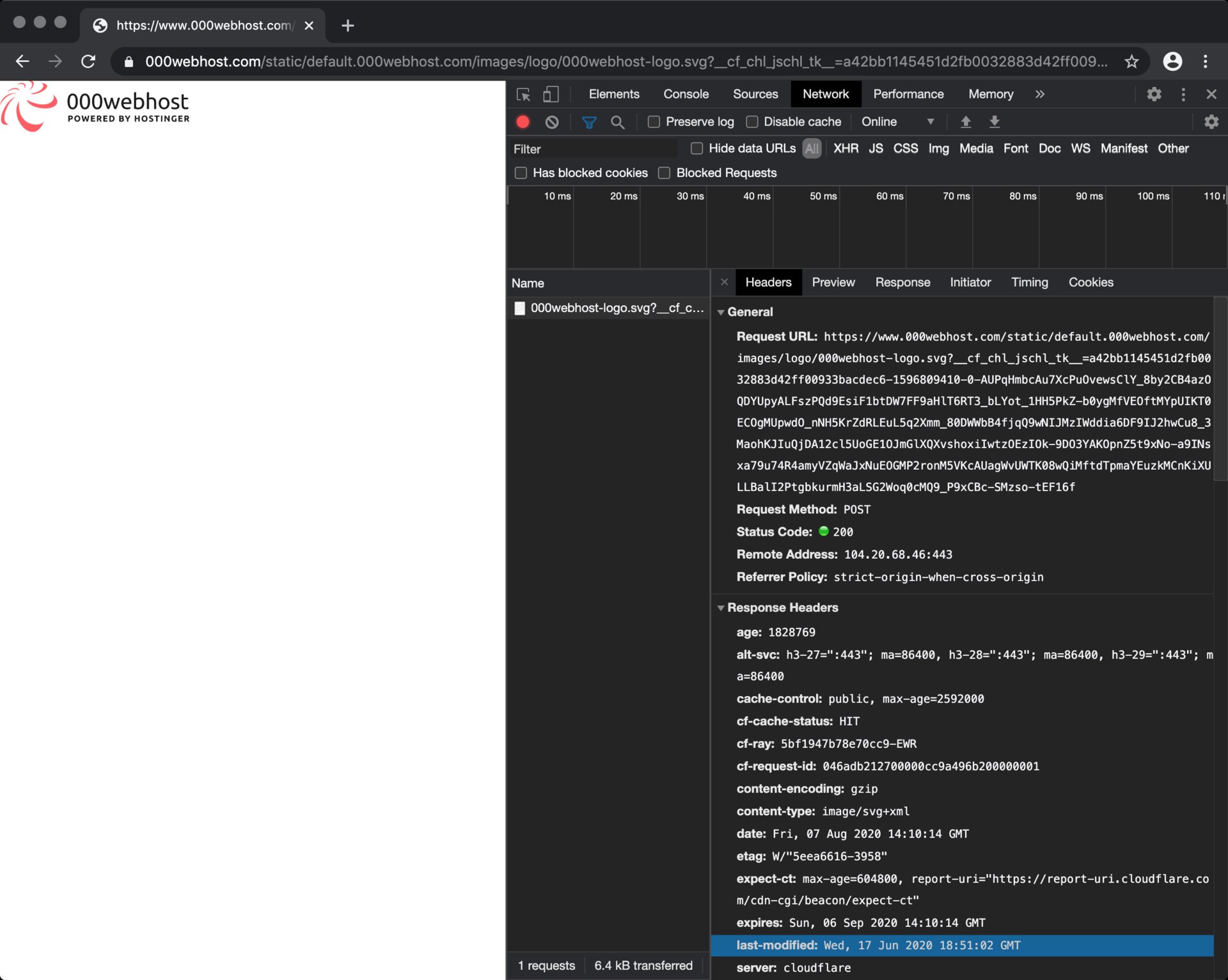
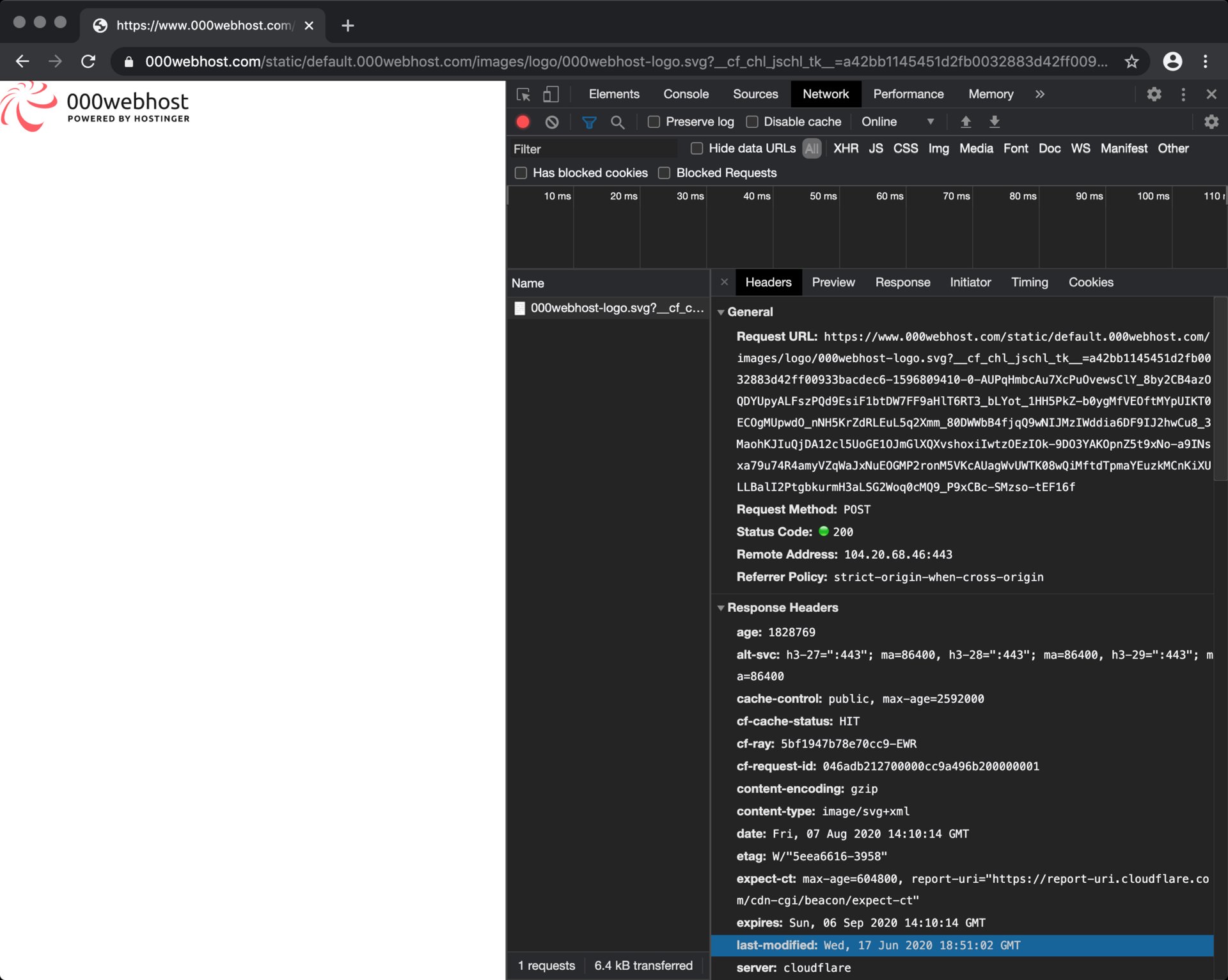
If you need to know how to find free images, use search engines for discovery and source pages for permission. A search result can lead you to an image, but it cannot grant a licence.
Using Google Images to find free images
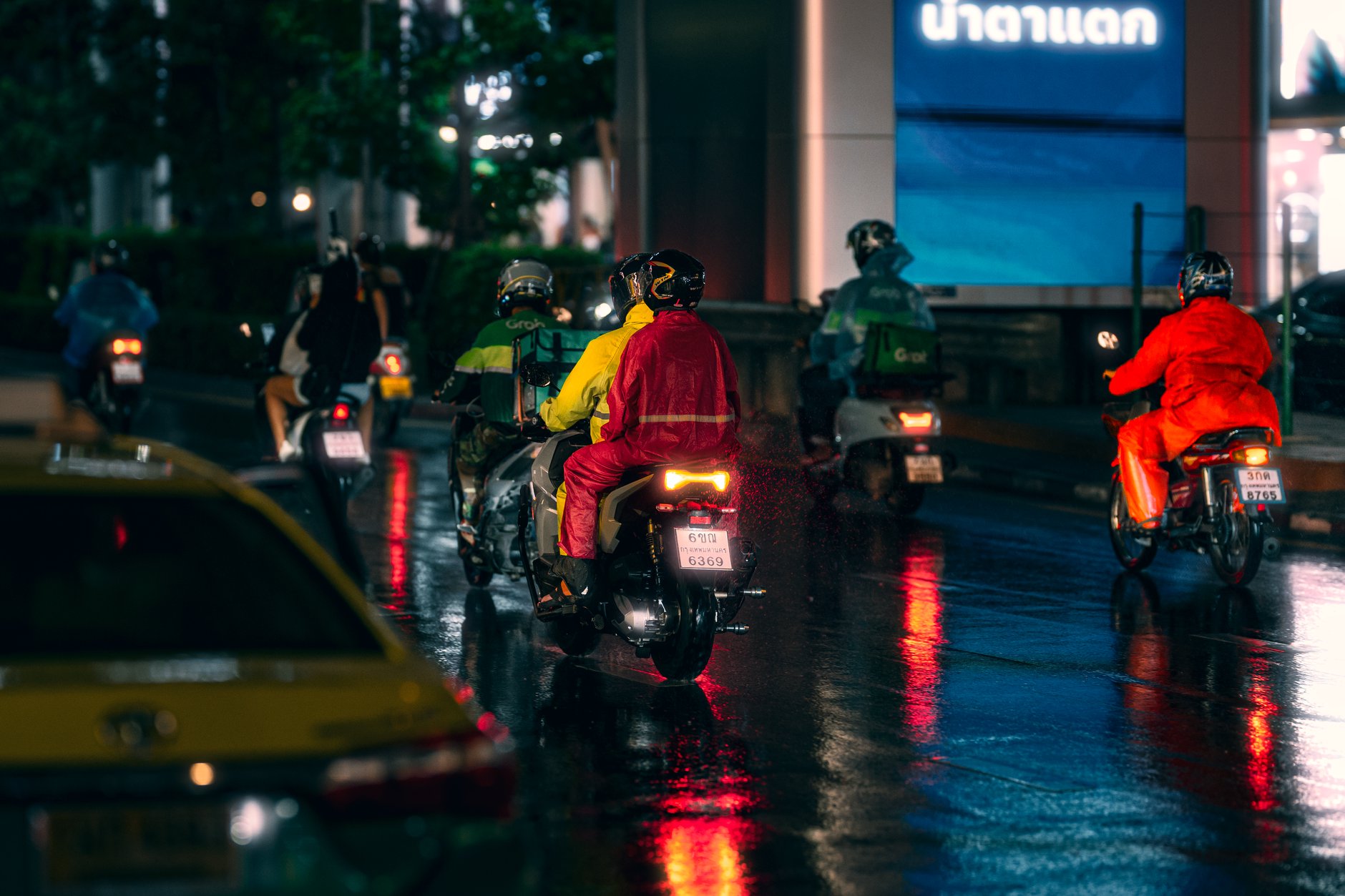
When people ask us how to find free images quickly, Google Images is usually the first tool that comes up, and for good reason. It searches across the entire web, pulling in results from dozens of stock photo sites and independent creators at once.
The catch is that Google Images itself doesn’t grant any rights. It’s a search index, not a licensing platform, so every result still carries whatever copyright status it had on the original source page. That’s exactly why the filtering step below matters so much.
We use Google Images mainly as a discovery tool, a way to see what’s out there for a specific search term, then follow through to the original source to confirm the actual license before downloading anything.
Filtering images by usage rights
Google Images includes a built-in usage rights filter, tucked under the “Tools” menu on a search results page. Selecting “Creative Commons licenses” narrows results to images that are more likely to be free to use, though it’s not a perfect guarantee.
We say “more likely” deliberately, because this filter relies on metadata and page-level signals that aren’t always accurate. A site might mislabel its licensing, or the filter might miss context that changes the actual rights status of a specific image.
Treat the filter as a helpful starting point, not a final answer. Always click through to the original source page and confirm the license explicitly before using anything you find this way, especially for commercial or client work.
Reverse image search explained
Reverse image search flips the process: instead of searching with text, you search using an image itself, either by uploading a file or pasting an image URL. This is useful for tracing an image back to its original, verified source.
We rely on reverse image search constantly when we’re not sure whether a photo is genuinely free or has been reposted from a paid stock site without permission. If the same image turns up on a major stock photography platform with a copyright notice, that’s a clear warning sign.
It’s also useful for finding higher-resolution versions of an image, or locating the original creator’s page directly, which often has clearer licensing information than whatever secondary site you first found the image on.
Checking an image’s source and copyright

Once you’ve traced an image back to its origin, look for explicit licensing information on that page. A dedicated free stock photo site will usually show this clearly, often right next to the download button.
- Check the domain: A known, reputable stock photo site is more trustworthy than a random blog or forum repost.
- Look for a license badge: CC0, CC BY, or a clear “free for commercial use” statement.
- Watch for watermarks: A removed or cropped watermark is a strong sign the image isn’t actually free.
If you’d rather skip this verification process entirely, starting your search directly on a trusted platform is usually faster. Our roundup of the best free stock photo sites is a good place to begin instead of a general web search.
Tips to find the right image fast
Specific search terms consistently outperform broad ones. Searching “laptop coffee shop remote work” returns far more useful, relevant results than a generic term like “work,” which tends to surface repetitive, overused stock photography.
We also recommend searching in batches rather than one image at a time. Pull five or six candidates for a post before committing to one, so you’re choosing the best fit rather than settling for whatever appeared first in your search.
If you’re selecting images specifically for a blog post rather than a general project, our guide on choosing the right images for blog posts covers how to match photos to tone, topic, and overall visual consistency across a site.
Building a faster search habit over time
The first few times you go through this process, it can feel slow, especially the step of verifying a license on the original source page. We’ve found that speed comes naturally once you’ve built a mental shortlist of two or three trusted sources.
Instead of starting from a broad Google Images search every time, we now default to checking our go-to platforms first, and only fall back to a wider search when those don’t have what we need for a specific, unusual topic.
Over time, this cuts search time down significantly. What used to take fifteen minutes of searching and verifying often takes two or three once you know exactly where to look and what a trustworthy license badge looks like on sight.
When reverse search saves you from a mistake
One of the most useful moments for reverse image search is right before publishing something client-facing. A quick check, even on an image you’re fairly confident about, occasionally reveals that a “free” photo was actually lifted from a paid stock site without permission by whoever originally posted it.
Catching that before publishing costs a few extra minutes. Catching it after publishing, once a client or rights holder notices, costs a lot more in both time and credibility. That small habit is worth keeping even once you feel confident in your usual sources.
How to Find Free Images with Better Search Terms
Write the visual requirement before opening a library. Note the subject, action, setting, mood, orientation, and space needed for text. This prevents attractive but irrelevant results from shaping the brief.
When people are central, our guide to finding believable portraits helps identify natural gestures and credible environments. For unusual subjects, use our list of specialist image collections rather than forcing a generic library to answer every query.
Record the Licence before Downloading
Create a small rights record for every shortlisted image. Save the creator, source URL, displayed licence, date, and intended project. A screenshot or PDF is useful when platform pages later change.
General multimedia resources such as Art Studio can support visual planning, but reuse permission should be traced to the original creator or authorized source. If provenance remains unclear, choose another image.
A Fast Final Check
- Open the original source rather than downloading from search results.
- Confirm the licence and whether commercial use or modification is allowed.
- Check people, property, brands, artworks, and sensitive contexts.
- Run a reverse search and save the evidence with the project.
Learning how to find free images quickly is mostly about building a repeatable verification habit. Precise queries reduce search time; a source record reduces uncertainty.