Free Online Photo Editor Guide for Beginners

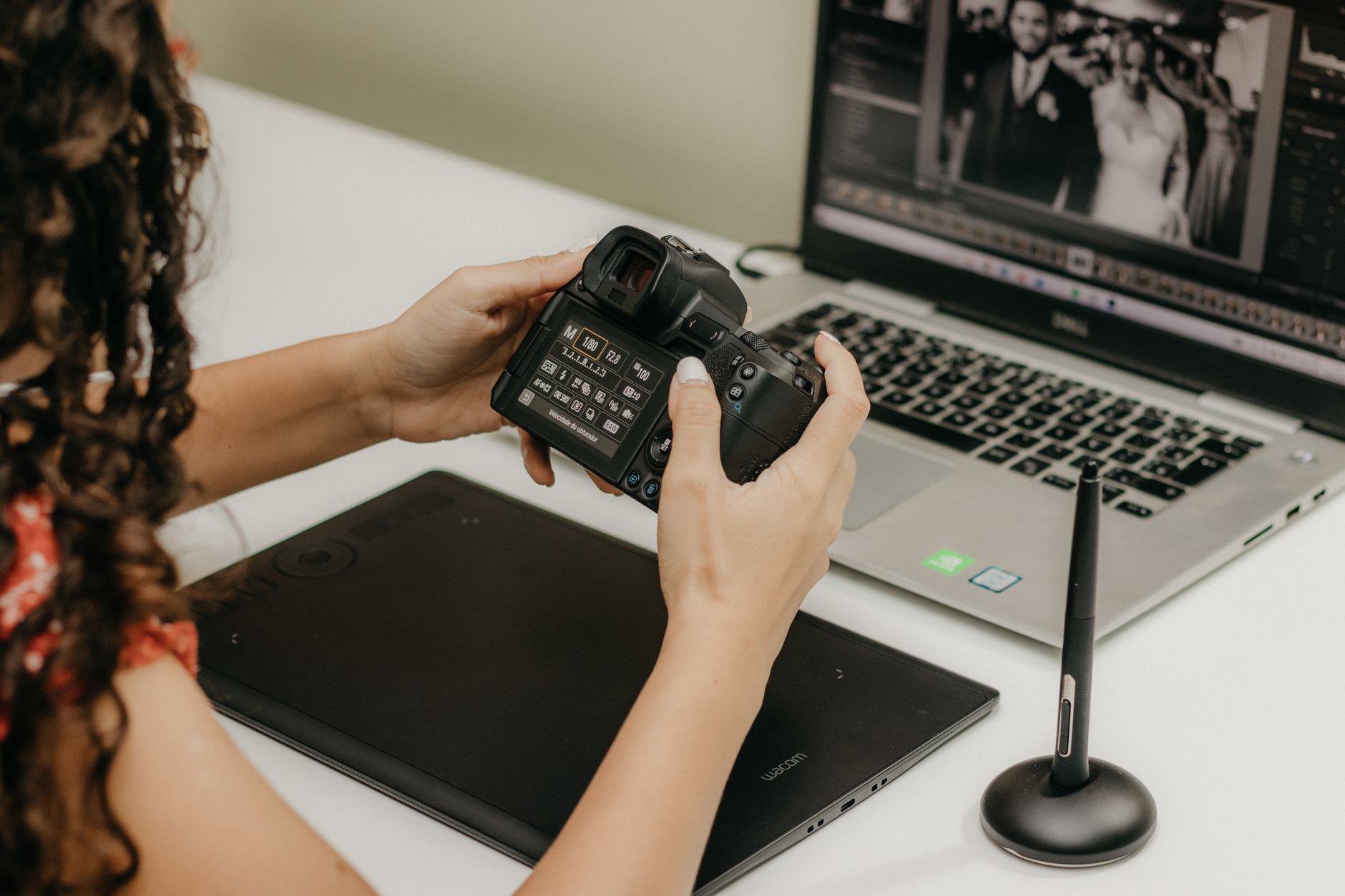
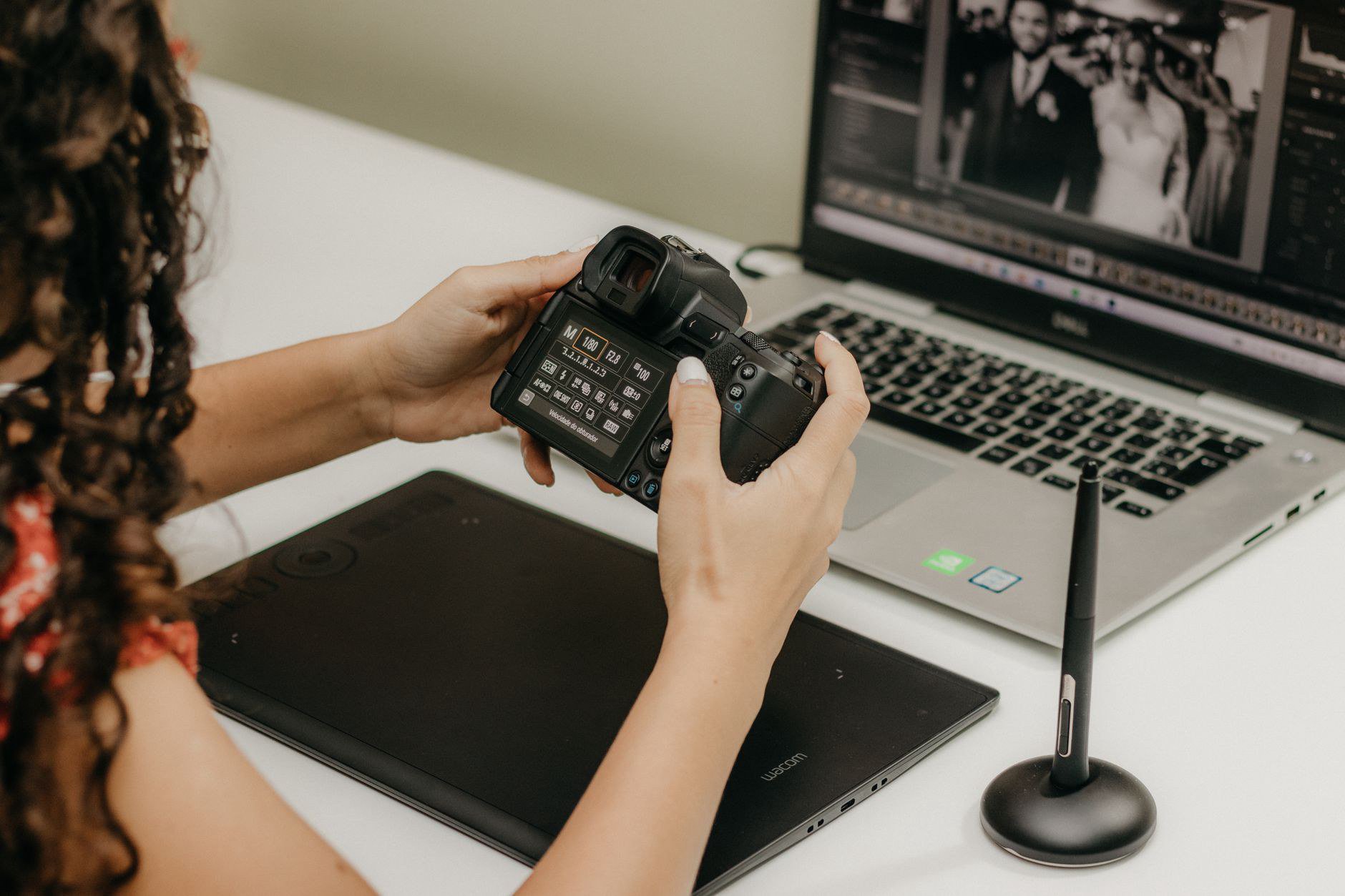
Finding a reliable free online photo editor is the smartest shortcut for content creators and small business owners who publish web content regularly. You do not need expensive desktop software licenses or steep learning curves just to crop, resize, or balance image lighting. Cloud-based photo tools deliver remarkable creative capabilities straight within your web browser.
Many beginners feel overwhelmed by complex graphic design suites. Most everyday digital publishing tasks only require simple adjustments that take seconds once you master basic workflows. Sourcing authentic visuals from collections of free stock photos of real people pairs naturally with lightweight editing tools to create captivating digital stories.
Modern browser-based editors eliminate heavy installation requirements. You can touch up marketing assets seamlessly across laptops, tablets, or shared work terminals without missing a beat.
Why Choose a Free Online Photo Editor Over Desktop Software?
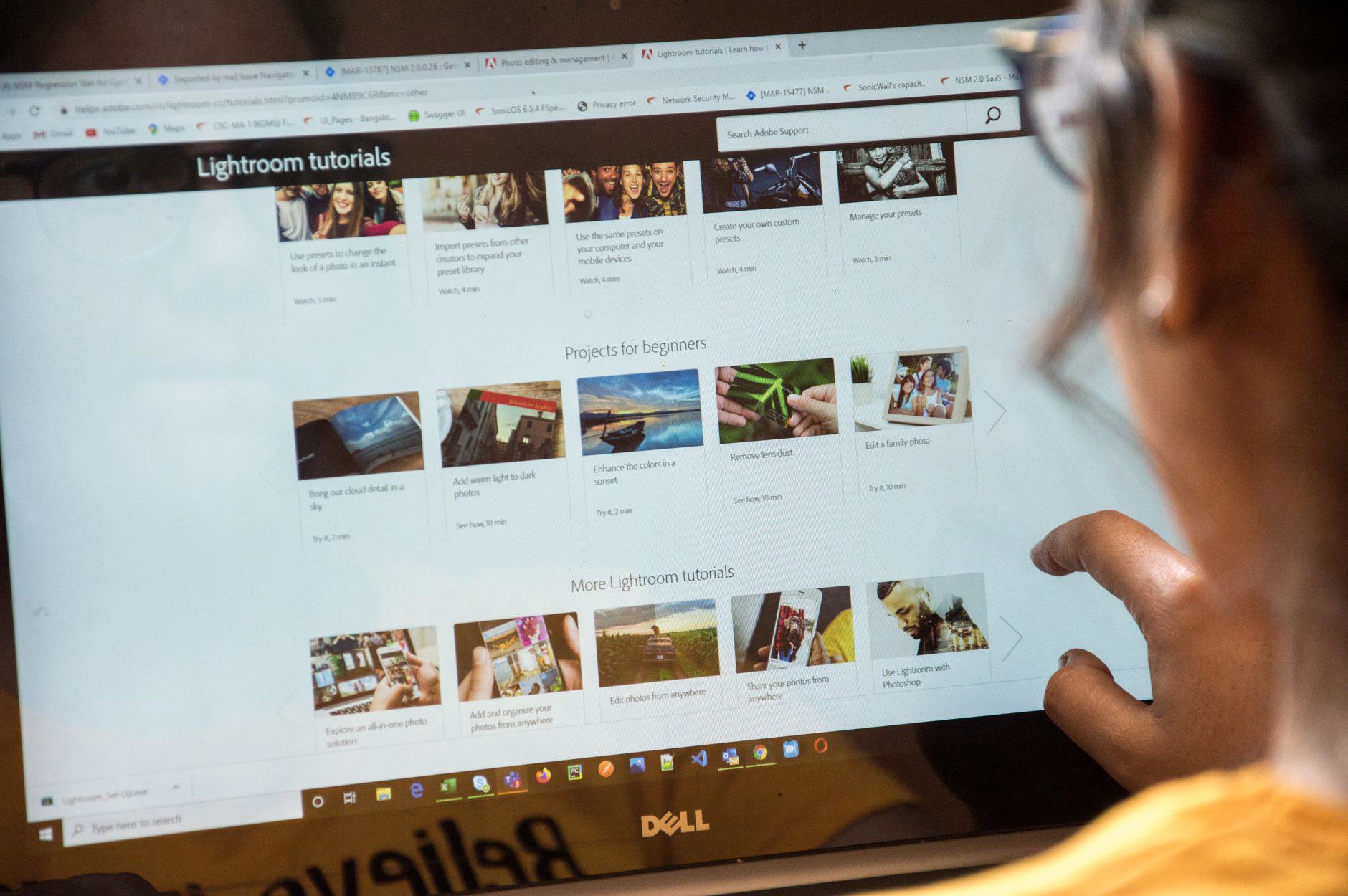
Speed and convenience are the primary advantages of browser-based editing suites. When you need to prepare five article graphics before a publishing deadline, launching a browser tab takes mere seconds compared to heavy desktop software that consumes gigabytes of system memory.
Cloud synchronization also allows seamless team collaboration. Multiple editors can access shared brand palettes, preset aspect ratios, and watermarks without exporting local project files back and forth.
For independent publishers comparing diverse asset platforms, analyzing Unsplash vs Pexels vs Pixabay provides clear guidance on where to source royalty-free base imagery before beginning your editing process. Starting with a clear high-resolution base photo saves countless hours in retouching later.
Core Editing Capabilities Every Beginner Must Master
Focusing on a handful of foundational editing adjustments will solve ninety percent of your visual production requirements:
- Aspect Ratio Cropping: Trim distracting background elements and align your subject along balanced rule-of-thirds gridlines.
- Pixel Dimension Resizing: Scale oversized camera captures down to web-optimized widths (like 1200px) to prevent sluggish page loading.
- Exposure and Contrast Tuning: Lift shadowy foregrounds and restore vibrant highlights to produce clear, punchy images.
- Typography and Banner Overlays: Add clean headline text and brand badges using legible modern sans-serif fonts.
How to Compare Free Online Photo Editors
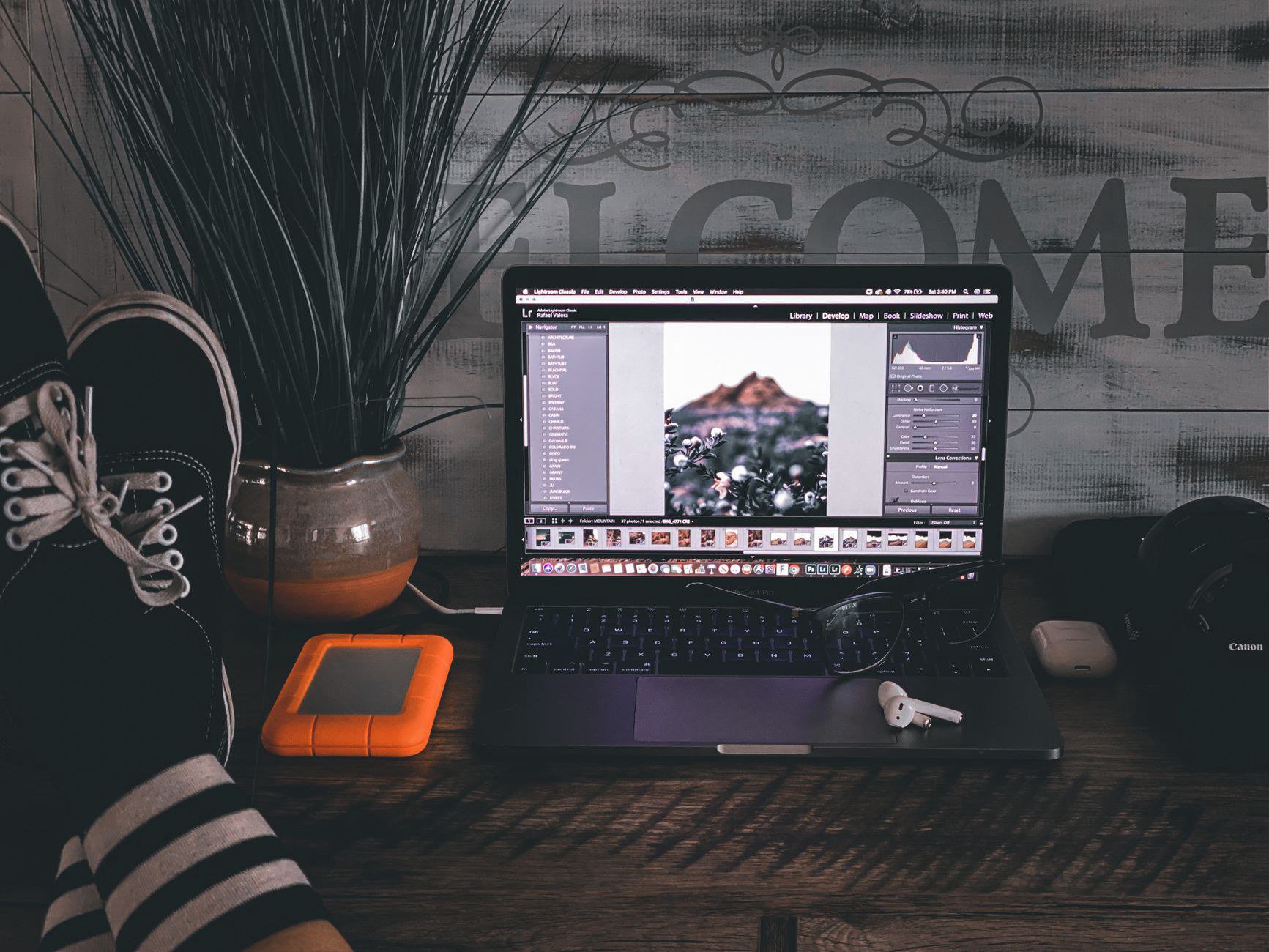
The current landscape of web-based creative software offers distinct options tailored to different skill levels and project goals:
- Photopea: The premier in-browser Photoshop alternative, supporting layers, vector masks, and direct PSD file exports.
- Canva: Unmatched for social media templates, marketing flyers, and fast drag-and-drop graphic compositions.
- Pixlr X and Pixlr E: Offers dual interfaces—one streamlined for rapid touch-ups and another advanced mode for detailed pixel manipulation.
- Fotor & BeFunky: Exceptional platforms for batch image resizing and quick portrait skin-smoothing enhancements.
Using Basic Design Principles
Creating compelling digital imagery requires more than just pushing contrast sliders. Learning foundational art direction principles taught at creative hubs like art-studio.vn helps beginners understand color theory, visual hierarchy, and balanced negative space.
Carefully selecting your base imagery makes editing drastically easier. Reading our guide on choosing the right images for blog posts outlines the essential criteria for selecting engaging photography before editing. Furthermore, exploring curated niche free image libraries uncovers unique conceptual photography that avoids clichéd corporate stock looks.
Export Formats and Page-Speed Basics

Exporting your final image correctly is critical for maintaining sharp visual quality without bloating website load times. Always choose modern web formats like WebP or compressed JPEG at approximately eighty percent quality setting.
Never re-compress already compressed JPEGs repeatedly, as digital artifacting compounds with every export pass. Always retain an untouched high-resolution original file safely in your local archives.
Once export is complete, implement essential search engine best practices. Reviewing our guide to image optimization for SEO ensures your alt text, metadata, and compression align perfectly to drive organic traffic.
When Should You Consider Desktop Professional Tools?
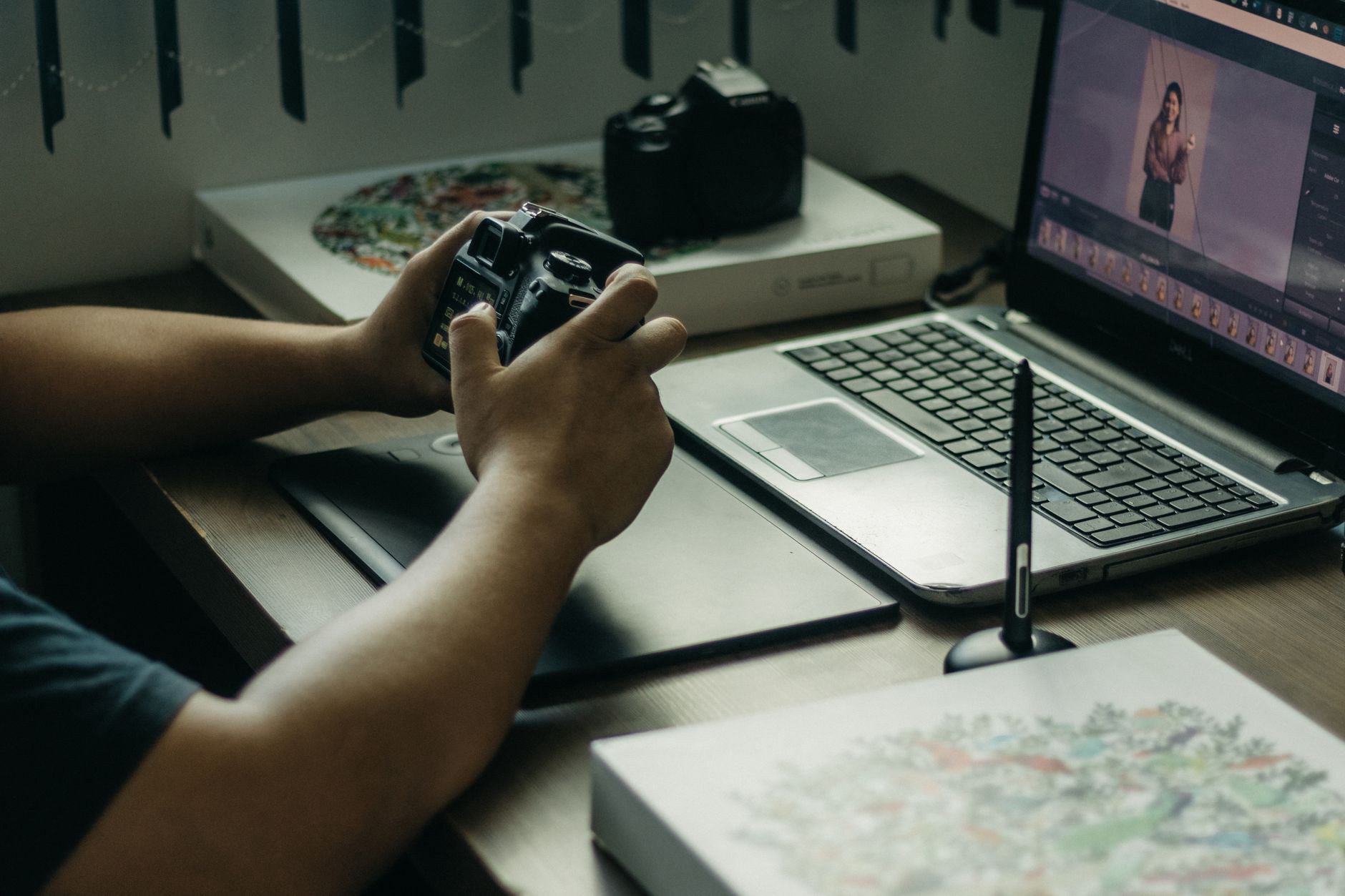
While web-based editors handle almost all daily requirements, complex studio workflows occasionally require specialized desktop computing power. Intricate multi-layered photo composites with hundred-layer masks, advanced frequency separation for commercial beauty retouching, and CMYK color space conversions for high-end offset printing still benefit from dedicated offline suites.
However, for digital publishing, social media marketing, and blog editorial management, modern browser apps remain the undisputed kings of speed and practical value.
Batch Processing and Time-Saving Keyboard Shortcuts
Productivity increases dramatically when you utilize keyboard shortcuts supported by modern web editors. Common commands like zooming, undoing adjustments, and duplicating layers function identically to desktop software. Learning these simple key combinations shaves hours off large-scale catalog editing.
Furthermore, several free tools allow batch watermarking and batch resizing across dozens of photos simultaneously. Instead of opening each snapshot individually, you can apply uniform dimensional presets and export entire image sets in one single click.
Collaborative cloud workspaces also enable seamless communication between photographers, writers, and digital marketers. Storing branded templates inside cloud libraries guarantees visual consistency across every single published post, keeping brand identity crisp and recognizable.
Check Privacy Before Uploading an Image
An online editor processes files through a web service, so read its privacy and retention terms before uploading client work, identification documents, private locations, or unreleased products. A tool that is suitable for a public blog image may not be suitable for confidential material.
Remove unnecessary metadata and keep an untouched original offline. If the service requires broad reuse rights or does not explain deletion, choose another tool or edit locally. Account security, browser extensions, and shared-computer downloads also belong in the workflow.
A Repeatable Image-Editing Workflow
You do not need an expensive graphic design degree to produce eye-catching web imagery. Adopting a versatile free online photo editor streamlines your creative process and keeps your publishing schedule completely on track.
Select one intuitive tool, practice cropping and lighting adjustments, and build confidence with every post you publish. With consistent practice, you will craft polished visual stories that captivate your audience effortlessly.