15 Free Stock Photo Sites Worth Checking in 2026

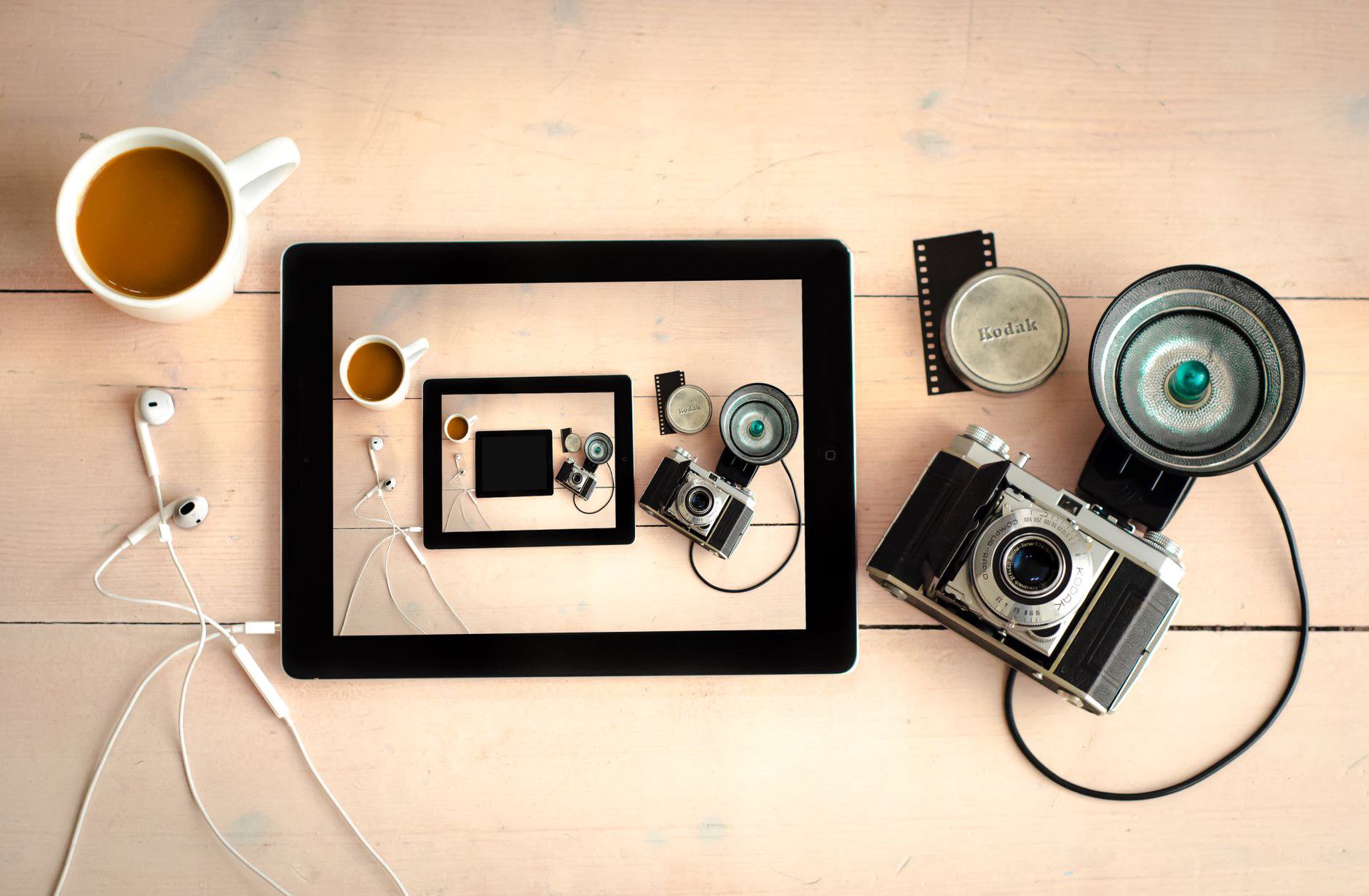
The best free stock photo sites solve a specific visual problem. Some provide broad commercial libraries. Others are useful because they focus on food, historical archives, diverse portraits, or unusual art direction. A large catalogue is valuable only when the images fit the brief.
Licences and collection policies can change, so check the terms on the image page at the time of download. A platform licence also cannot guarantee that every visible person, artwork, trademark, or private location has been cleared for every use.
How We Evaluate Free Stock Photo Sites
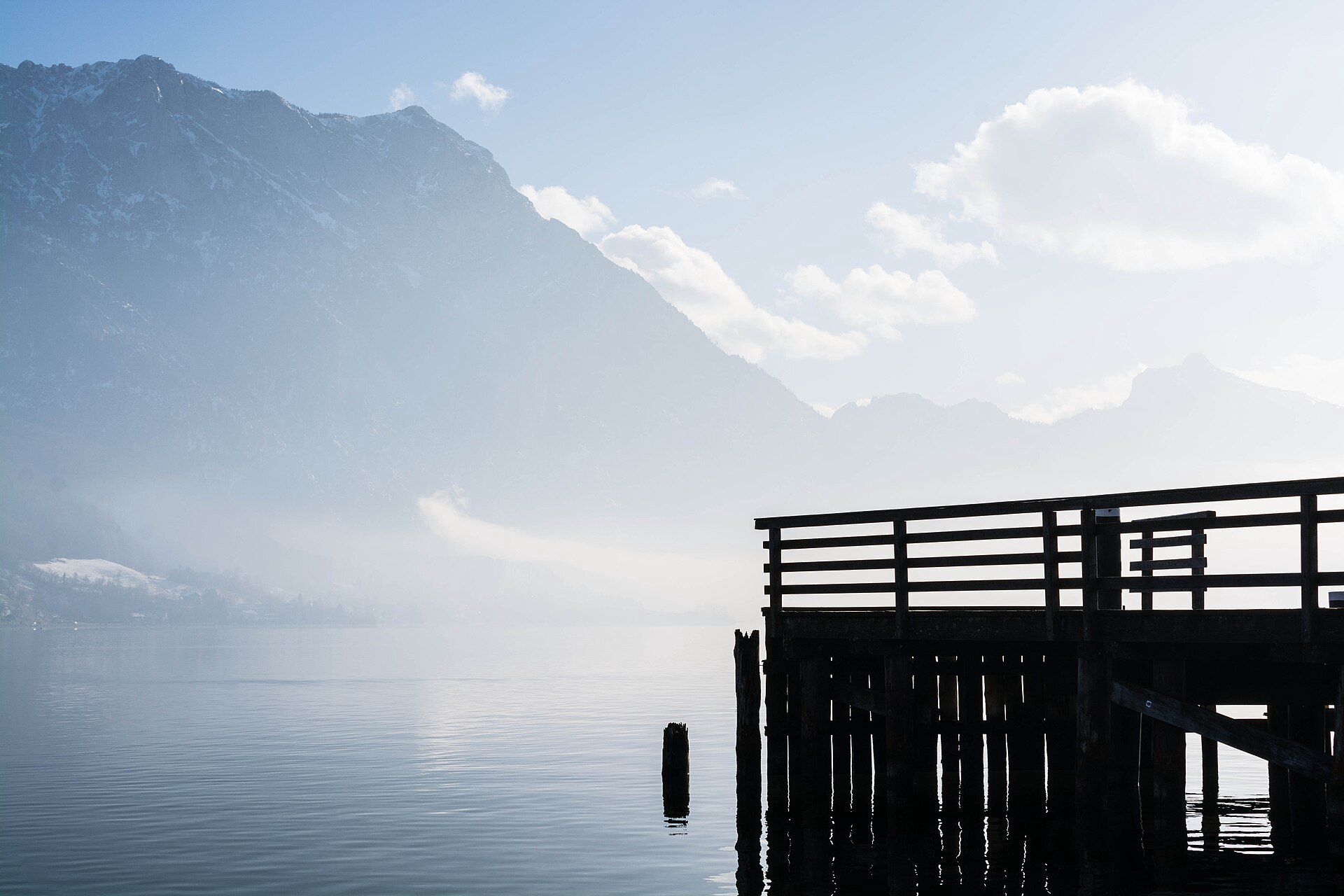
Start with subject relevance and visual quality, then examine search filters, available dimensions, contributor information, and licence clarity. For client work, provenance matters. Save the image page, creator credit, licence text, and download date with the project files.
Our guide to commercial use of free images explains why “free” and “safe for any purpose” are not the same claim. Releases and sensitive-use restrictions still require attention.
1. Unsplash for Broad Contemporary Photography

Unsplash remains a familiar starting point for polished lifestyle, travel, workplace, architecture, and nature photography. Its strongest material often has a recognizable editorial mood: natural light, careful framing, and generous negative space.
Popularity creates repetition. Reverse-search a shortlisted image and check whether competitors already use it. Less obvious contributor pages can yield fresher work than the first search results.
2. Pexels for Photos and Short Video
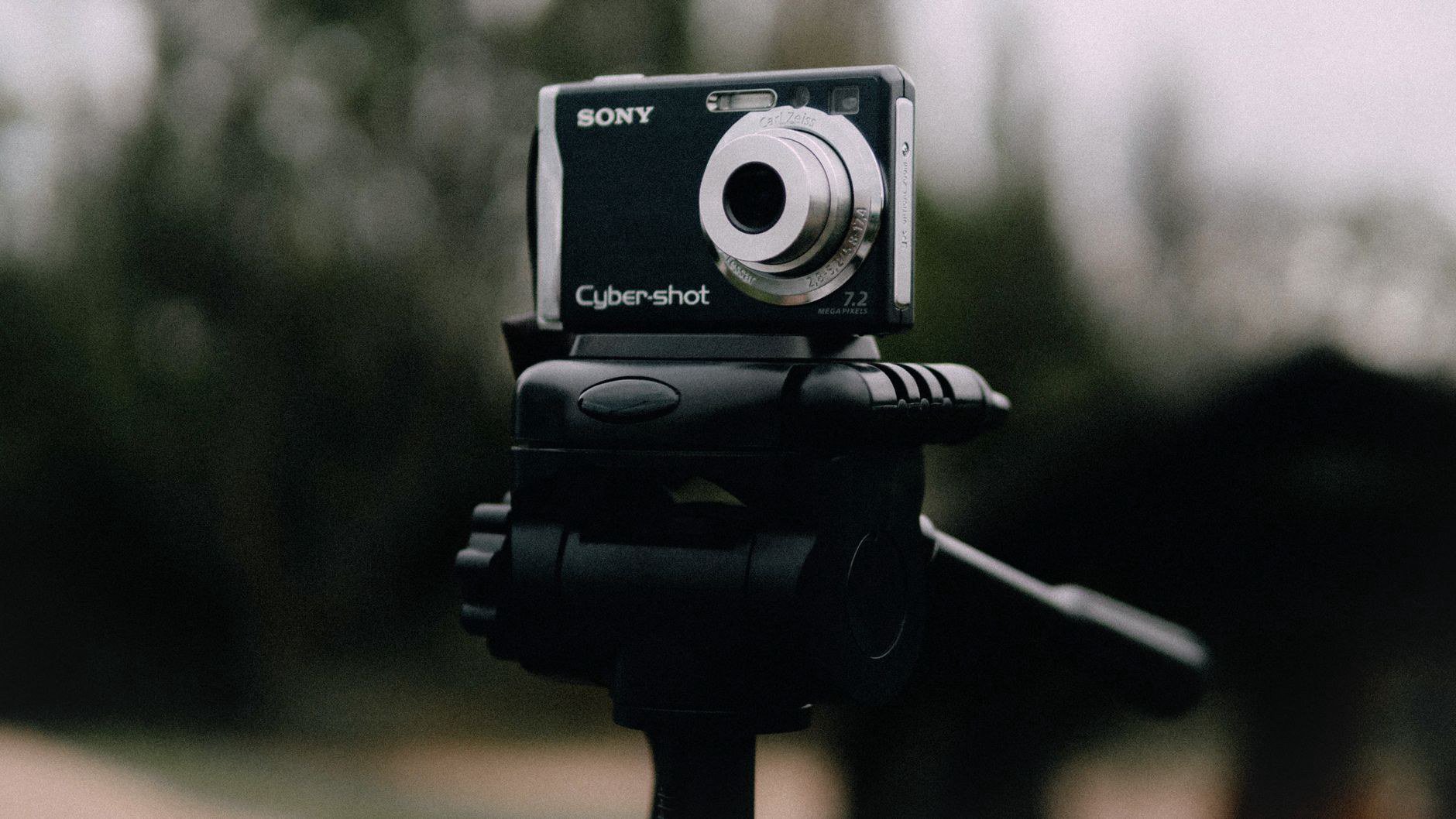
Pexels combines still photography with video, making it practical for campaigns that need visual continuity across print, web, and motion. Search is approachable, and portrait-oriented material works well for mobile layouts.
Art directors should still inspect full-resolution files. Heavy compression, shallow focus, or mixed color treatment can limit large-format printing even when an image looks clean on screen.
3. Pixabay for a Wide Asset Mix

Pixabay offers photography alongside illustrations, vectors, video, and other media. That range suits early concept development, educational material, and projects that need several asset types from one interface.
The breadth also produces uneven results. Filter aggressively and avoid mixing unrelated illustration styles merely because they are available in the same search.
Our comparison of Unsplash, Pexels, and Pixabay considers how the three large libraries differ in everyday creative workflows.
4. Burst for Commerce-Oriented Subjects
Burst was developed with business and ecommerce imagery in mind. Product settings, retail themes, entrepreneurs, and familiar promotional concepts can make it useful for small-business campaigns and quick prototypes.
Generic business imagery becomes dated quickly. Choose frames with believable environments, restrained gestures, and space for copy rather than relying on exaggerated staged interactions.
5. Kaboompics for Coordinated Lifestyle Sets
Kaboompics is useful when a project needs several images from one shoot. Coordinated sets help a designer maintain consistent light, location, props, and color across a brochure or social sequence.
Its interiors, desk scenes, food, and lifestyle material often supports color-led art direction. Check how a set behaves as a group before building the layout around a single strong hero frame.
6. StockSnap for General Searches
StockSnap provides a broad collection with familiar stock categories. It can be helpful when the major libraries return the same results repeatedly and a designer wants another pool to search.
As with any aggregated or contributor-driven platform, verify the terms attached to the selected file. Do not assume that a licence remembered from an earlier project still applies unchanged.
7. Reshot for Less Conventional Assets
Reshot is often explored for visuals that feel less like traditional stock, including illustrations and icons as well as photography. It can help small brands move away from the clean corporate look common across large libraries.
Mixed asset types require stronger art direction. Establish line weight, palette, perspective, and level of detail before collecting individual pieces.
8. Nappy for More Representative Portraits
Nappy is known for imagery featuring Black and Brown people in lifestyle, professional, and everyday contexts. It addresses a persistent weakness in generic libraries, where diversity can feel tokenized or narrowly staged.
Representation is an editorial decision, not a box to tick. Select images that fit the actual audience and story, and review captions and surrounding copy for the same level of care.
For more selection guidance, see our feature on finding stock photos that look like real people.
9. Gratisography for Deliberately Unusual Images
Gratisography favors eccentric expressions, bold concepts, and playful compositions. It is useful when a campaign benefits from visual humor or when conventional lifestyle photography feels too polite.
The style is distinctive enough to dominate a layout. Pair it with restrained typography and avoid forcing quirky imagery into serious subject matter where tone would become inappropriate.
10. Picjumbo for Lifestyle and Business Material
Picjumbo includes lifestyle, technology, business, food, and abstract photography. It can support mood boards and small campaigns that need familiar commercial subjects.
Check resolution, cropping room, and series consistency before committing. A landscape image may not extend convincingly to the vertical cover required later in production.
11. Life of Pix for Curated Photography
Life of Pix is worth checking when broad library searches become visually repetitive. Curated collections can surface architectural, landscape, and lifestyle work with a stronger authorial presence.
A smaller collection may require more adaptation, but limitation can improve the concept. Instead of searching endlessly for a literal scene, the designer may find a more suggestive image.
12. Foodiesfeed for Food-Specific Briefs
Foodiesfeed focuses on food photography, making it efficient for menus, editorial features, recipe layouts, and hospitality mood boards. Subject-specific libraries often provide details and compositions that generic sites miss.
Food imagery is sensitive to color reproduction. Proof warm neutrals, greens, and deep reds carefully, especially on uncoated paper where saturation and contrast may soften.
13. New Old Stock for Archival Atmosphere
New Old Stock gathers vintage photographs from public archives. Historical material can give editorial projects specificity and texture that simulated retro filters cannot reproduce.
Public availability does not remove the need to record the source. Follow the image back to its institution, read the rights statement, and retain collection identifiers. Archive rules may vary by item or jurisdiction.
14. Wikimedia Commons for Documented Media
Wikimedia Commons is vast and especially useful for historical, scientific, geographic, cultural, and biographical subjects. File pages often include creator, source, date, and licence information.
That information must be read carefully. Commons hosts media under several licences and public-domain rationales. Attribution and reuse requirements are not identical across the collection.
15. Openverse for Cross-Collection Search
Openverse searches openly licensed media from multiple sources. It is valuable when the brief needs a specific subject that commercial-style libraries do not cover.
Treat it as a discovery tool. Visit the source record, confirm the creator and licence, and follow any attribution requirements. If an image’s origin cannot be traced confidently, choose another.
Model and Property Releases Still Matter
A licence grants copyright permissions; it does not automatically settle personality rights, trademarks, artworks, or private property. Advertising and sensitive subjects require more care than an illustrative editorial context.
Our explanation of model and property releases identifies the questions to ask before an image appears in a commercial campaign.
Visual-learning resources from Now Education can complement a research workflow, but the licence record from the original image source remains the document that matters for reuse.
Build a Repeatable Image Workflow
Create a project record for every selected asset. Store the original filename, creator, source URL, licence, required credit, download date, and any release information. Keep an untouched copy of the downloaded file.
Run reverse image searches when provenance looks uncertain or when a photograph appears under conflicting names. Avoid removing watermarks, stripping credits required by a licence, or assuming that an upload account owns the work.
The most useful free stock photo sites are those that support both the visual brief and a defensible record of use. Search beyond the first page, edit with intent, and verify every selected file before publication.