7 Common Mistakes with Free Images (and How to Avoid Them)

Top 7 common mistakes with free images can quietly cost you time, credibility, and sometimes money. If you run a blog, build slides, or post on social media, you have almost certainly grabbed a free image and dropped it into a project within minutes. There is nothing wrong with that instinct. The problem is that small slips add up, and they can turn into real legal or credibility headaches. We have spent years sourcing visuals for clients and for our own publications, and the same seven mistakes keep coming up. Below, we walk through each one and explain how to sidestep it.
Why Free Images Still Cause Trouble

The core issue is that people treat every “free” image as if it carries the same permissions. It does not. A photo on one platform may be safe for any purpose, while a similar-looking photo elsewhere may only be allowed for personal projects. We ranked these seven mistakes by three factors: how often we run into them, how serious the legal exposure is, and how much they damage the final piece. This guide is aimed mainly at bloggers, small marketing teams, and anyone who designs slides or social graphics on the side.
Top 7 Common Mistakes With Free Images: Mistake 1 – Assuming Free Means Usable for Any Purpose
This one is the most expensive. Public domain works are close to unrestricted, but Creative Commons images come with their own rules. One licence might allow commercial use and forbid changes. Another might require credit but permit edits.
So the word “free” mostly tells you about the price. The real rights live in the licence text.
Checking takes about a minute. Before you download, open the licence page and read two things: whether commercial use is allowed, and whether you may modify the file. We have helped more than one client untangle a takedown notice that a single minute of reading would have prevented. For a deeper look at what different terms mean, our guide on commercial use rules for free images walks through the common cases.
Mistake 2: Skipping Attribution or Crediting It Wrong
A complete credit usually includes the author’s name, the source, the licence type, and a link back to the original. Say you take a picture from Wikimedia Commons. Name the photographer and copy the exact licence code from the file page.
Not every licence demands credit, yet giving it anyway is a sound habit. It respects the creator and makes your article feel more trustworthy to readers.
Wrong credit is nearly as bad as none. A bare “Photo: Internet” tells nobody anything, and a licence name pasted without a link leaves readers unable to verify it. Our guide to crediting images correctly includes a template you can copy.
Mistake 3: Using Photos With Recognisable People, Logos, or Private Property
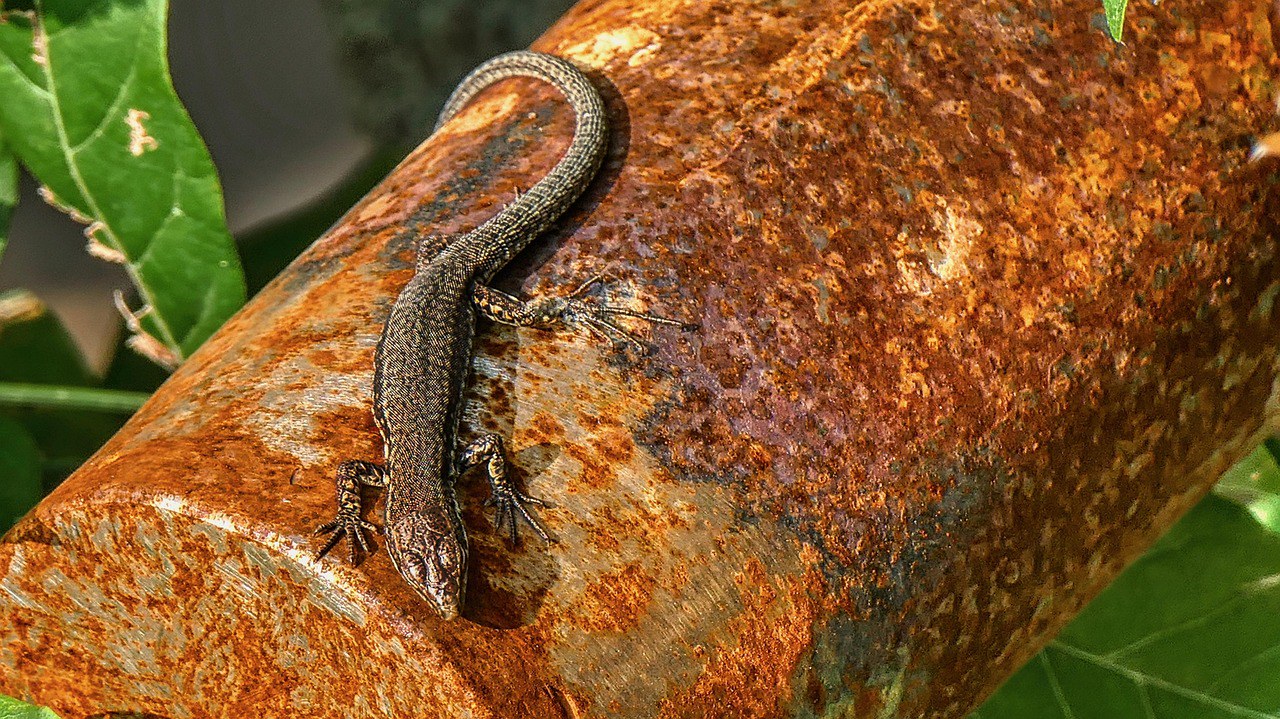
Many people believe a free label makes an image safe for any use. A photo can still show a face that identifies a real person, a brand logo, or a private home. The licence covers the photographer’s copyright, but it says nothing about the rights of the people or businesses in the frame.
We usually run through a short check for commercial work:
- Clear faces: look for a model release before using the photo commercially.
- Homes, storefronts, or signs: check whether a property release exists.
- Visible logos: avoid them in paid or branded work unless you have confirmed permission.
These releases are not always easy to find, and the paperwork behind a stock image is often hidden. For commercial projects, dig a little further instead of assuming the image is fine. Tracing back to the original source usually answers the question within a few minutes.
Mistake 4: Downloading Small Files and Stretching Them
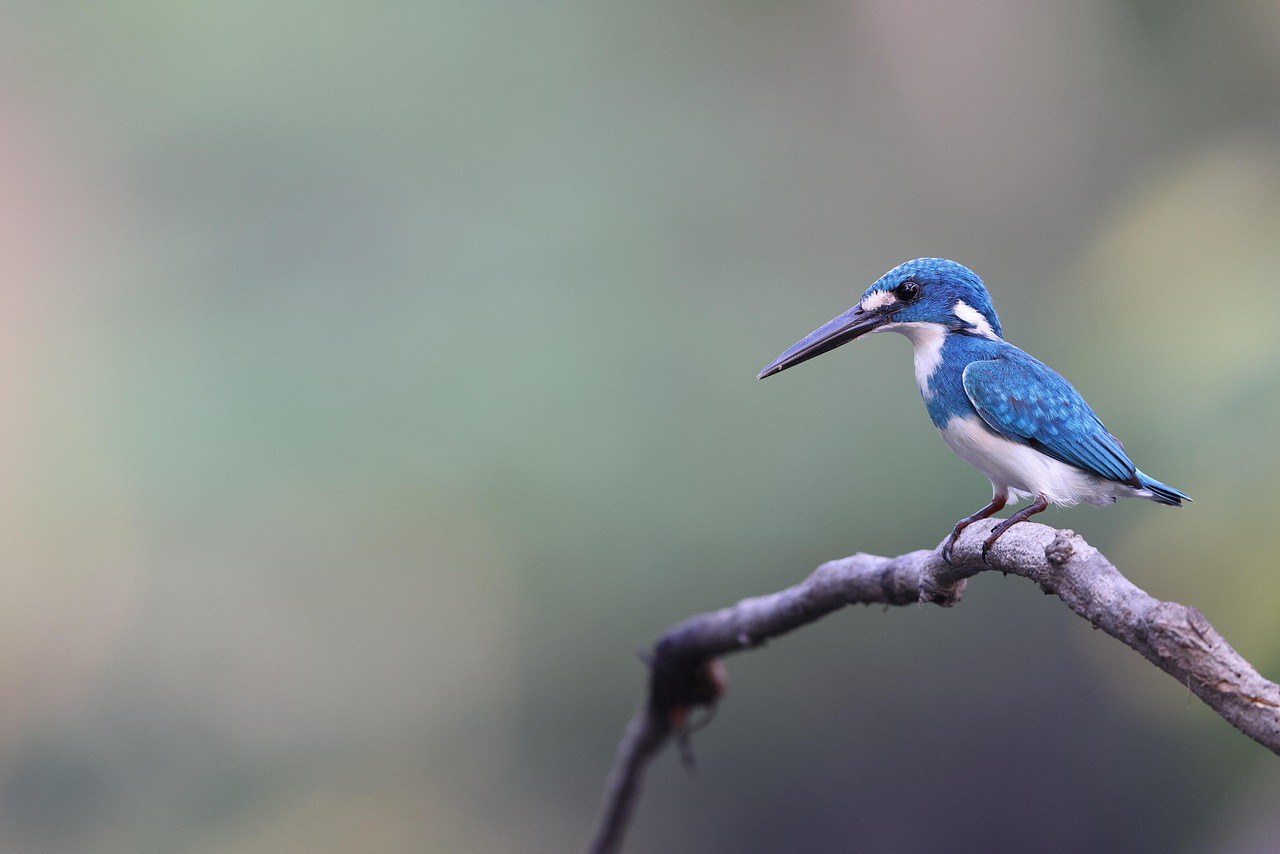
Blow a small file up to fill a wide banner and it turns soft fast, especially on large monitors or in print. Match the file to where it will appear. The reference sizes below are a practical starting point, though platforms adjust their specs over time, so confirm current numbers before publishing.
| Use | Suggested size (pixels) |
|---|---|
| Blog header | 1200 x 630 |
| Facebook post | 1200 x 630 |
| Square Instagram | 1080 x 1080 |
| 16:9 slide | 1920 x 1080 |
A quick habit helps here: check the pixel dimensions in the file details before you drop it into a layout. If the image is smaller than the space it needs, look for a larger version or pick a different photo.
Mistake 5: Picking Images That Look Nice but Say Nothing
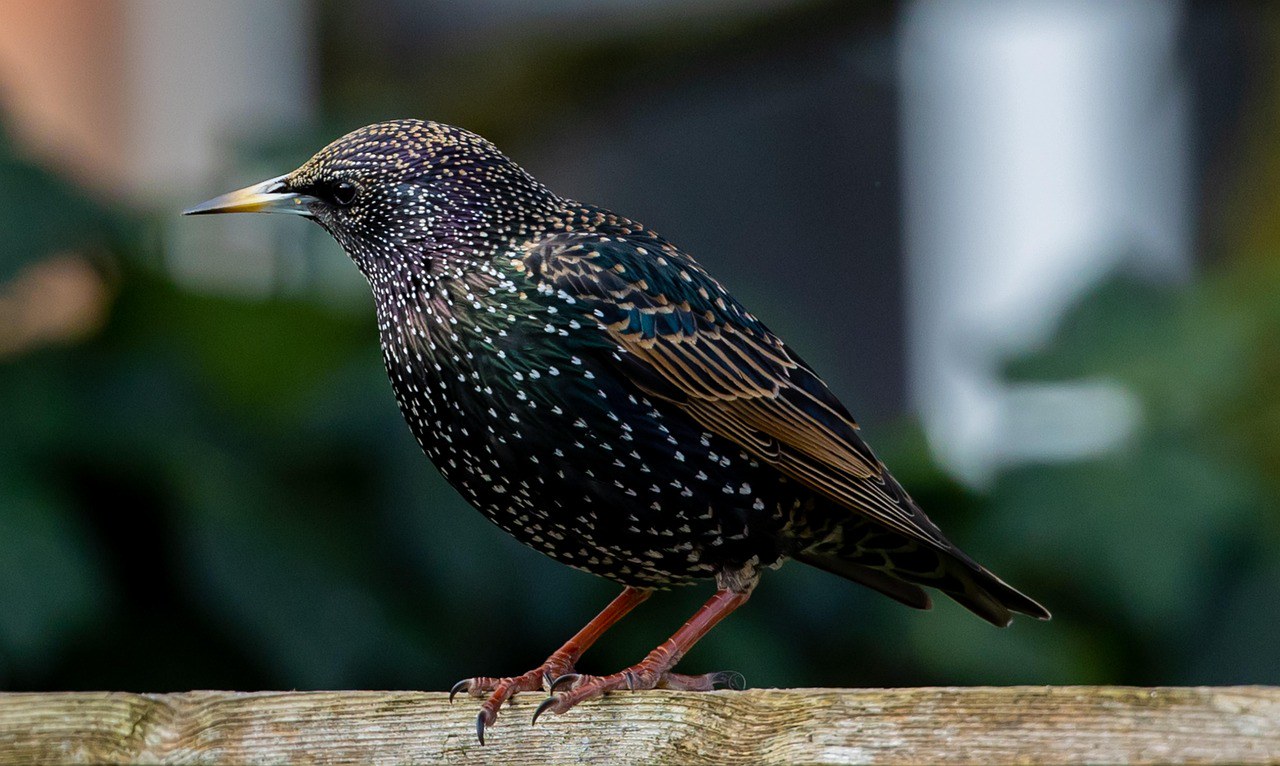
Generic filler, like a handshake or a smiling person waving at a laptop, tends to make readers scroll past. It can also make the whole piece look thin. A stronger choice ties directly to the content, such as a screenshot of the exact menu you are describing or a photo of the product in question.
When a relevant image is hard to find, a simple chart or diagram often does more work than a stock photo ever could.
Mistake 6: Not Keeping Proof of the Licence
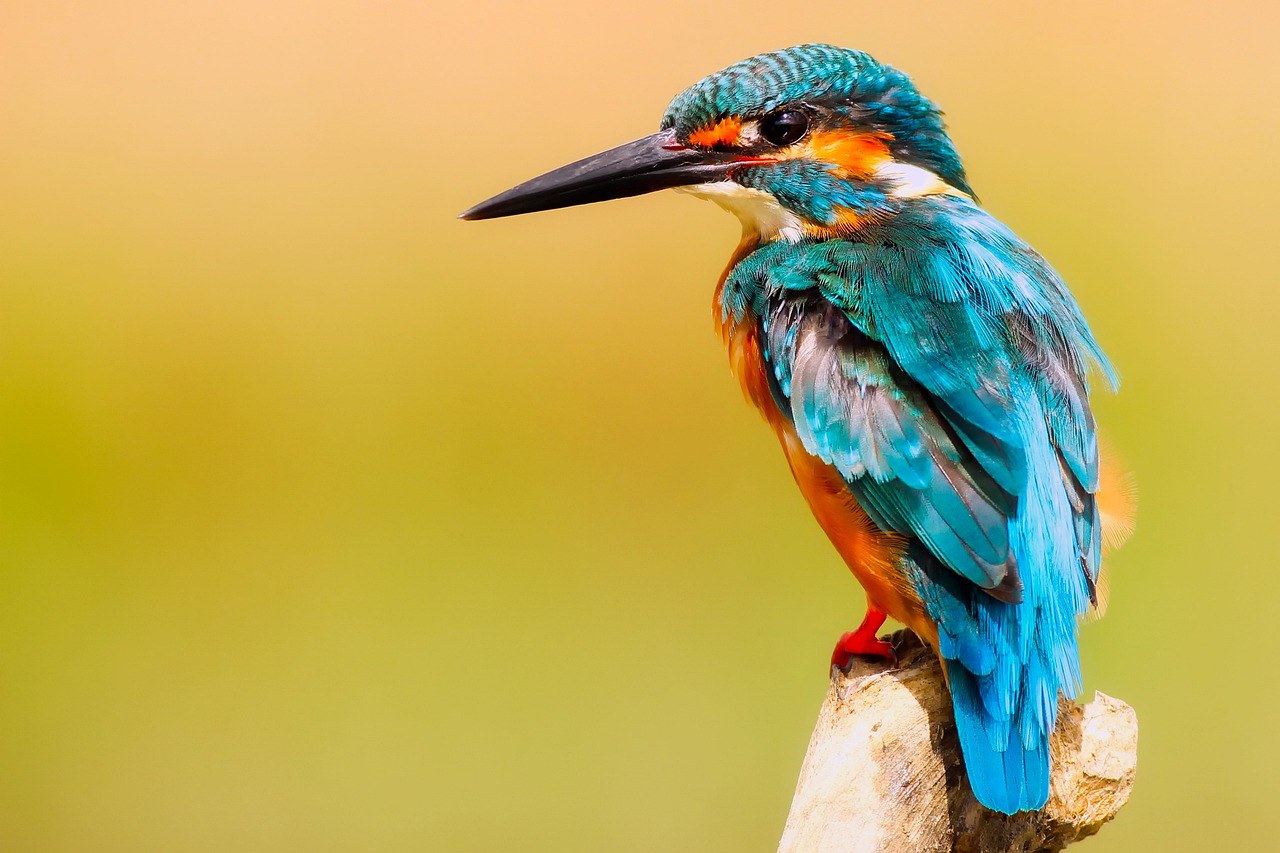
Images disappear from platforms, change licence terms, or get reposted by others without permission. If you did not save evidence at download time, proving you used the file correctly becomes difficult. Save the licence page, take a screenshot, and note the date you accessed it.
Many platforms do not keep a visible history of licence changes, so your own record may be the only reliable proof you have.
Mistake 7: Reusing a Stock Photo Everyone Already Has
Some popular stock images appear on thousands of sites, and regular readers recognise them at a glance. Your content then struggles to feel original. You can photograph something yourself, edit a free image enough to make it distinctly yours, or build a simple chart.
Original visuals take longer to produce, so weigh that effort against your budget and team capacity. Our piece on free stock photo sites worth checking can help you look beyond the most overused libraries.
A Short Checklist Before You Publish
Before any free image goes live, run through a few quick questions. Did you read the licence and confirm your intended use is allowed? Did you credit the source the way the licence asks? Is the file large enough and genuinely relevant? Does it show people, logos, or property that need a closer look? If the answer to any of these is unclear, pause and resolve it first.
Frequently Asked Questions
Can a free image be used in advertising?
Sometimes, but the licence decides it. Many free images permit only non-commercial use, so an ad campaign may be off limits. If the licence is unclear on this point, hold off until you have a definite answer.
What happens if I skip the credit?
It depends on the licence. Some licences do not require attribution at all. When a licence does ask for credit and you leave it out, you may be treated as having infringed, so giving credit remains the safest route.
How do I know an image is public domain?
Start with the licence page and the description on the source site. Public domain works are usually marked clearly as having no copyright. If the status is not obvious, do not assume it is public domain.
Where can I find free images safely?
Begin with libraries that state their licences openly, such as Wikimedia Commons, and read the conditions before you download. Be cautious with unfamiliar sites that rely only on a “free” label.
Final Thoughts
If you take away one lesson, make it this: read the licence and save your evidence before using any image. Those two habits prevent most of the seven mistakes covered here. For more background on the licences themselves, our explainer on royalty free vs rights managed images breaks down the differences, and you can browse wheretofindfreeimages.com for more vetted resources. Wikimedia Commons, which we mention throughout, is a good place to start your own search: Wikimedia Commons.